Sonos

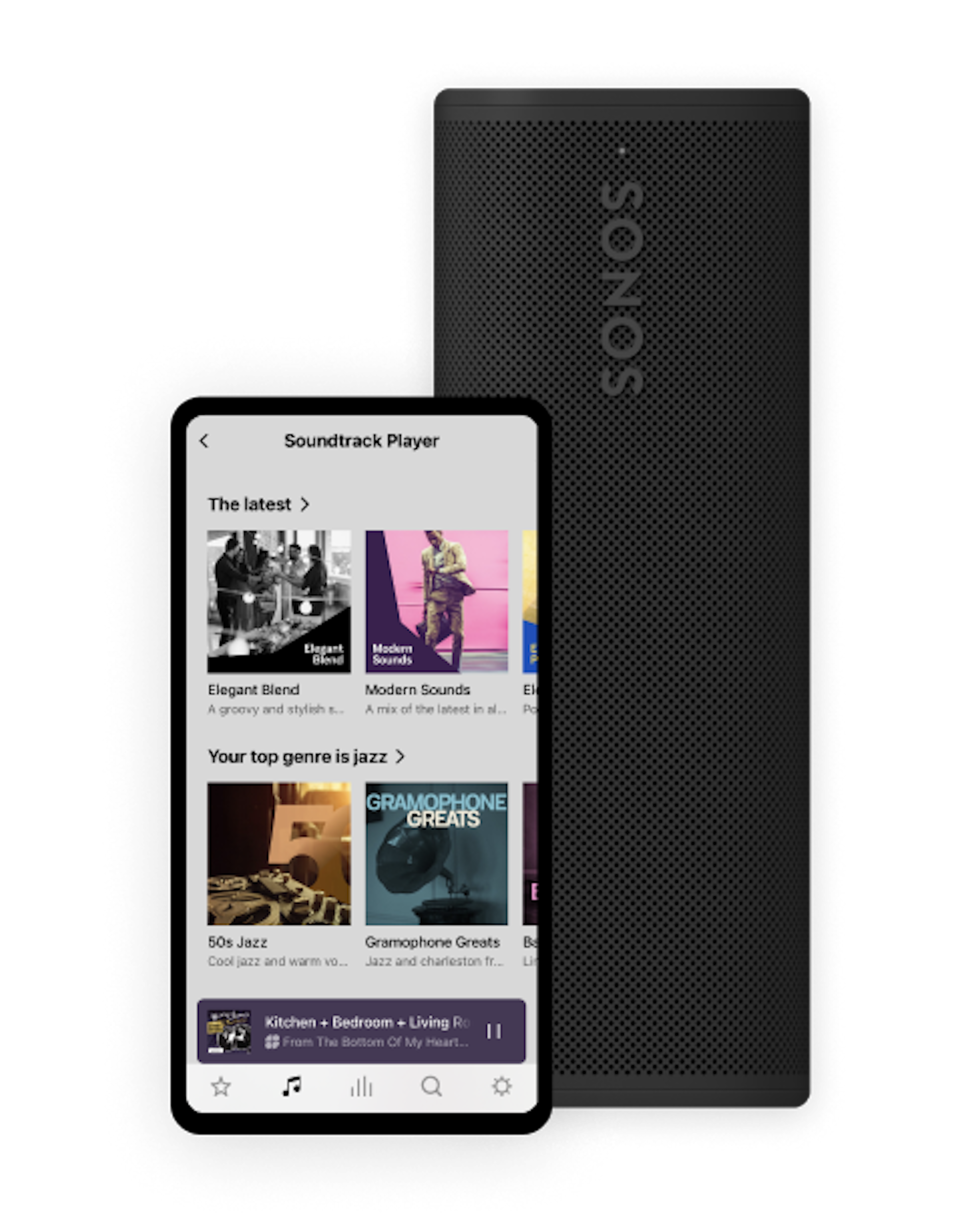
Sonos is a popular consumer sound system and Soundtrack’s best-known hardware partner. It is generally used in small businesses such as shops, offices and cafés that want a wire-free aesthetic.

Connecting Soundtrack to Sonos is super easy via the Sonos app. However, since it is a consumer system, you need to ensure your Wi-Fi network is stable enough to handle business use without interruptions.

Partner of
Used bySmall business
Setup difficultyIntermediate
Amount of zonesSingle (groupable)
Ways to connectWiFi / ethernet

Find the right connection

Wireless Speakers

Best for businesses starting from scratch that want great sound without running wires in the walls. All-in-one smart speakers that require only a power outlet.

Models: Era 100, Era 300, Five, Move

Output: Integrated Audio

Components

Best for businesses that want to add streaming to an existing amplifier or architectural speakers. Turns your old "dumb" amplifier or ceiling speakers into a smart Sonos system.

Models: Sonos Port, Sonos Amp

Output: RCA / Digital Coax (Port) or Speaker Terminals (Amp)

Wireless Speakers

Best for businesses starting from scratch that want great sound without running wires in the walls. All-in-one smart speakers that require only a power outlet.

Models: Era 100, Era 300, Five, Move

Output: Integrated Audio

Components

Best for businesses that want to add streaming to an existing amplifier or architectural speakers. Turns your old "dumb" amplifier or ceiling speakers into a smart Sonos system.

Models: Sonos Port, Sonos Amp

Output: RCA / Digital Coax (Port) or Speaker Terminals (Amp)

Pros and Cons

Pros

  • Play Soundtrack directly from the Sonos app
  • Easy to add Soundtrack to the Sonos app
  • Playlists automatically shuffled for freshness
  • Play over 2,000 Soundtrack playlists

Cons

  • Soundtrack Messaging not available
  • Soundtrack Scheduling not available
  • All music is shuffled: Soundtrack Unlimited music control is blocked
  • No HiFi quality, Sonos streams at only 96 kbps
  • Sonos doesn’t allow offline play
  • Remote capabilities not available

4 steps to connect Soundtrack

1. Sonos app

Open the Sonos app on your mobile device

2. Add service

Navigate to "Your services" and click on the "+" icon

3. Add Soundtrack

Search for "Soundtrack" in the list and follow the on-screen instructions to authorize

4. Connect zone

Connect to your location when prompted.
(Note: Sonos will automatically select the best available zone for that location).

1. Sonos app

Open the Sonos app on your mobile device

2. Add service

Navigate to "Your services" and click on the "+" icon

3. Add Soundtrack

Search for "Soundtrack" in the list and follow the on-screen instructions to authorize

4. Connect zone

Connect to your location when prompted.
(Note: Sonos will automatically select the best available zone for that location).

Join today

Join today

Soundtrack is all set to work with your audio system. Get started today to experience music streaming that's been built for business.

Essayez gratuitement

The official Soundtrack Player

Stream music without a tablet or computer. Control and manage remotely through the app or web. Stores up to 400 hours of music and updates automatically.

Your setup

Soundtrack PlayerAudio Pro A10 SpeakerSoundtrack Player AppWiim playerUnifi PowerAmp 2Elgato Stream DeckWiim AmpSonos Port 2

Get a Soundtrack setup that suits you. From apps to hardware, the choice is yours.

Applications et matériel
See something that's not quite right on this page, or want to add something to it? Let's chat!
Drop us a note at technologypartner@soundtrack.io