Soundtrack Player 3
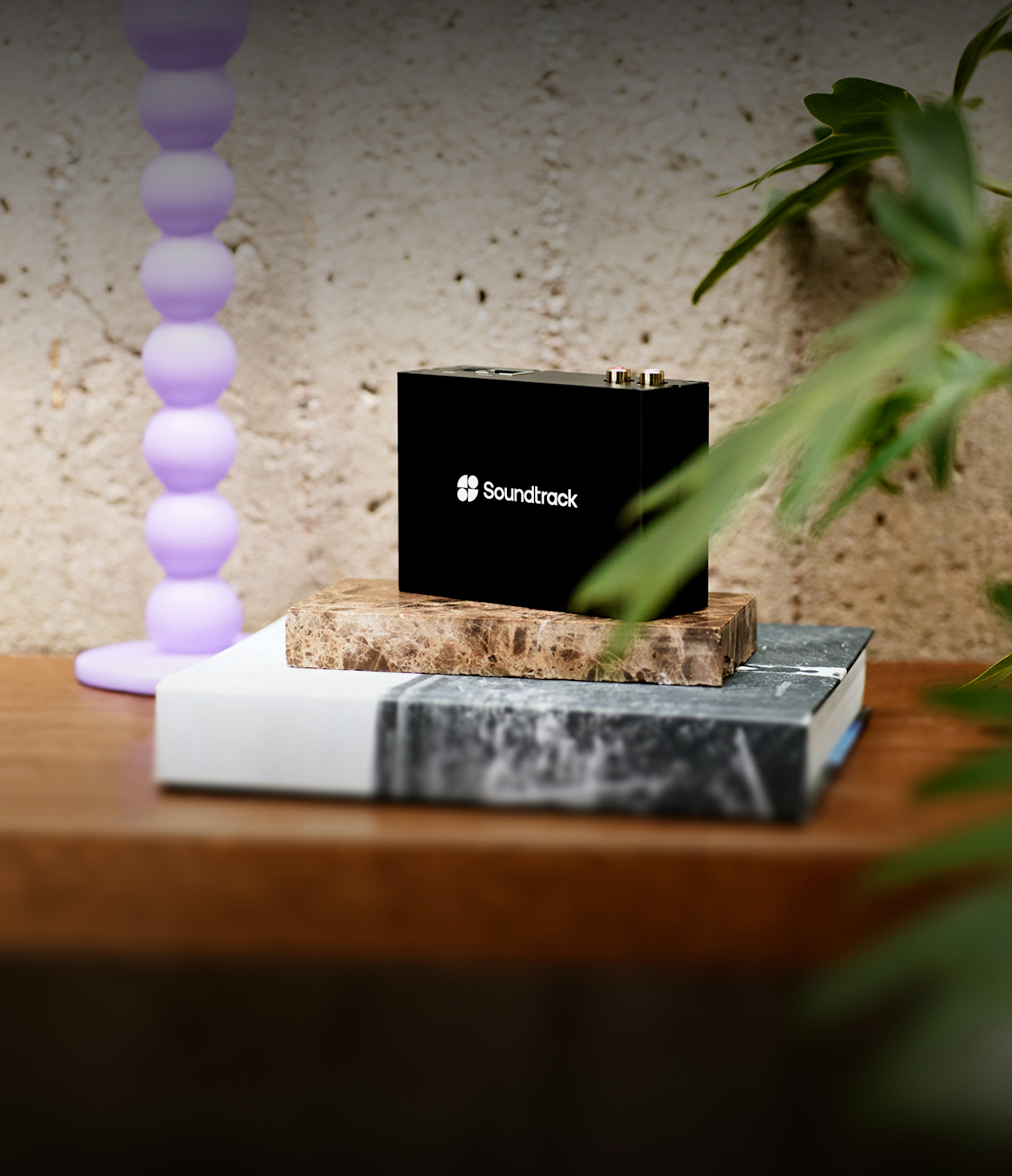
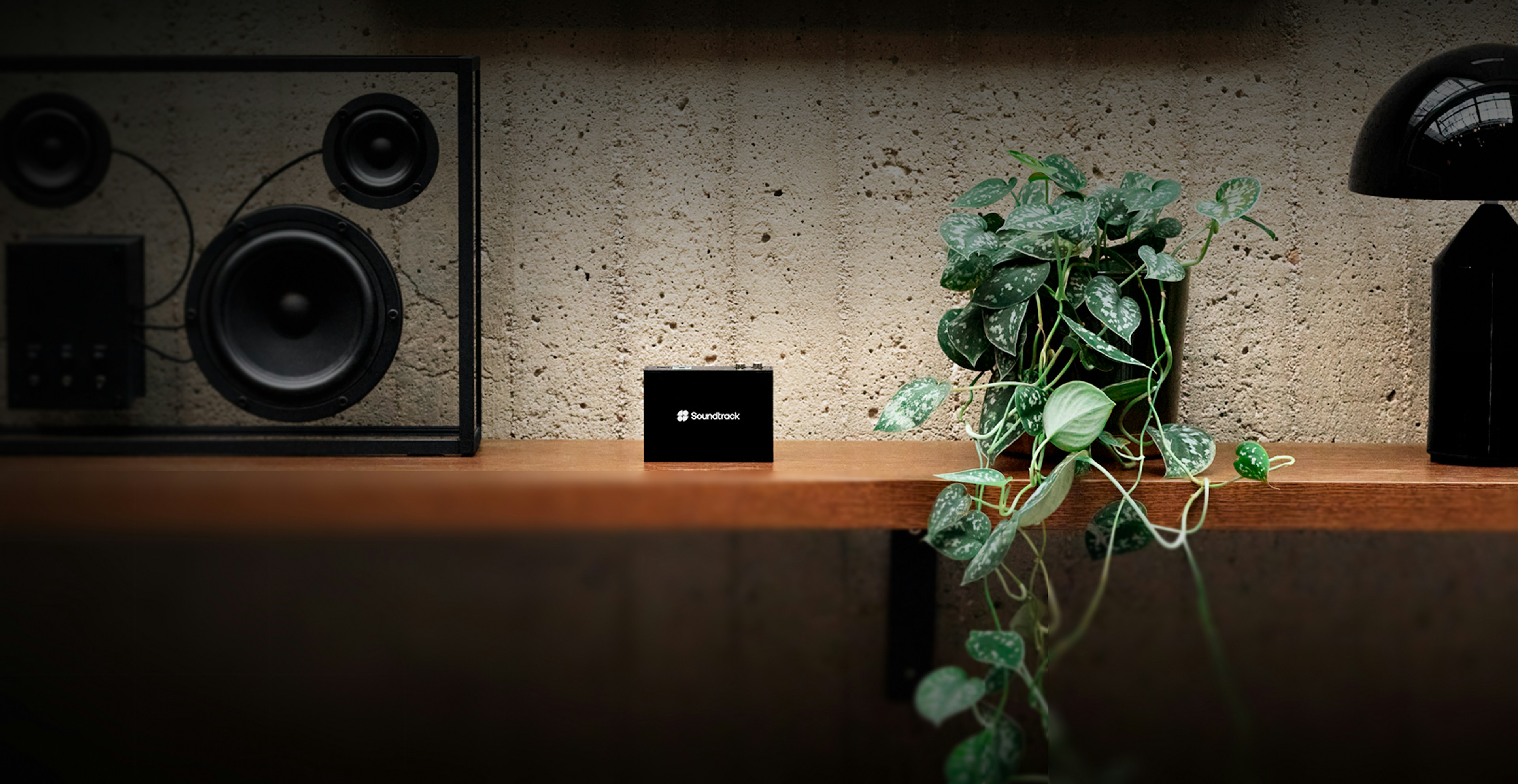
Notre boîtier de lecture, robuste et inviolable, conçu pour les entreprises
Robustesse et contrôle
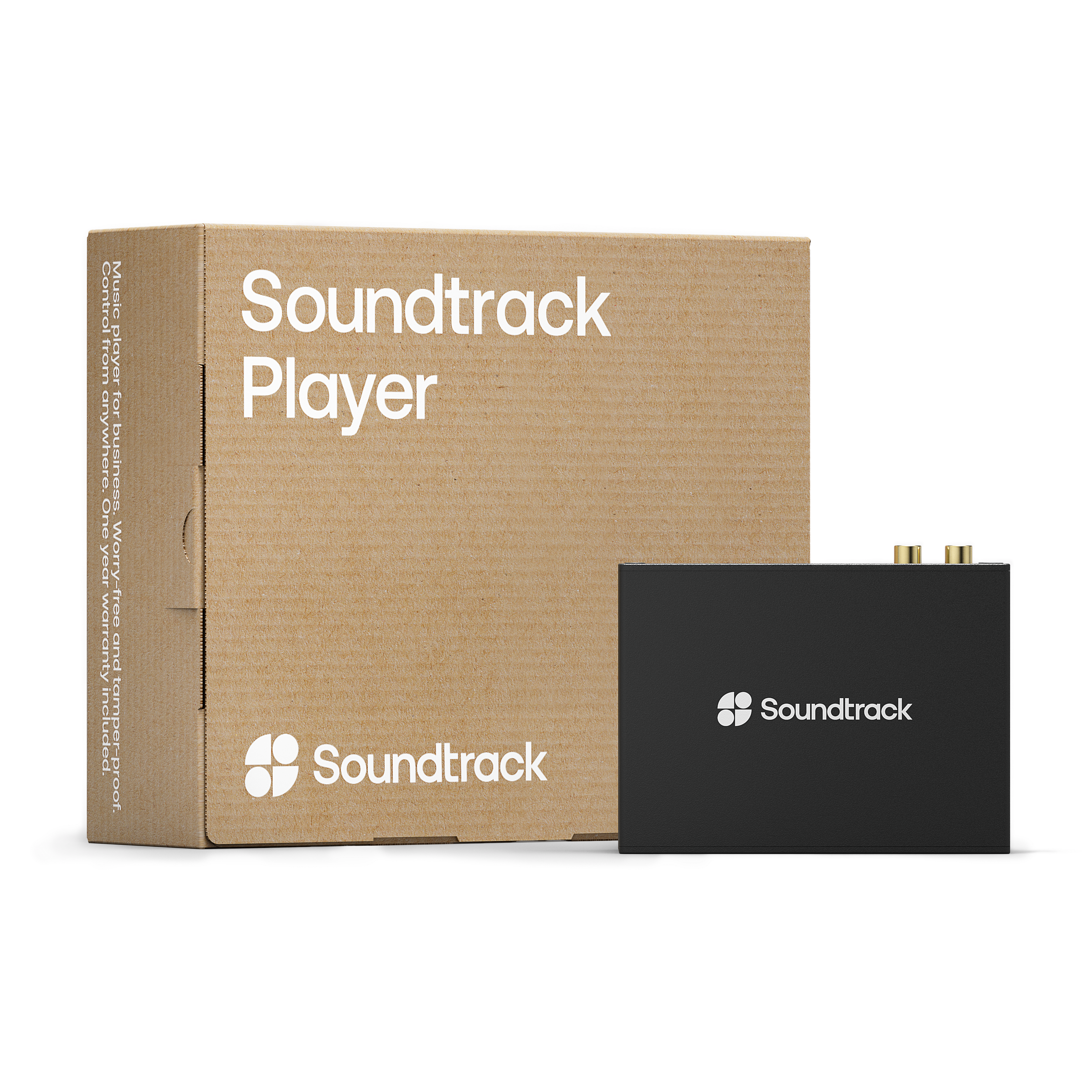
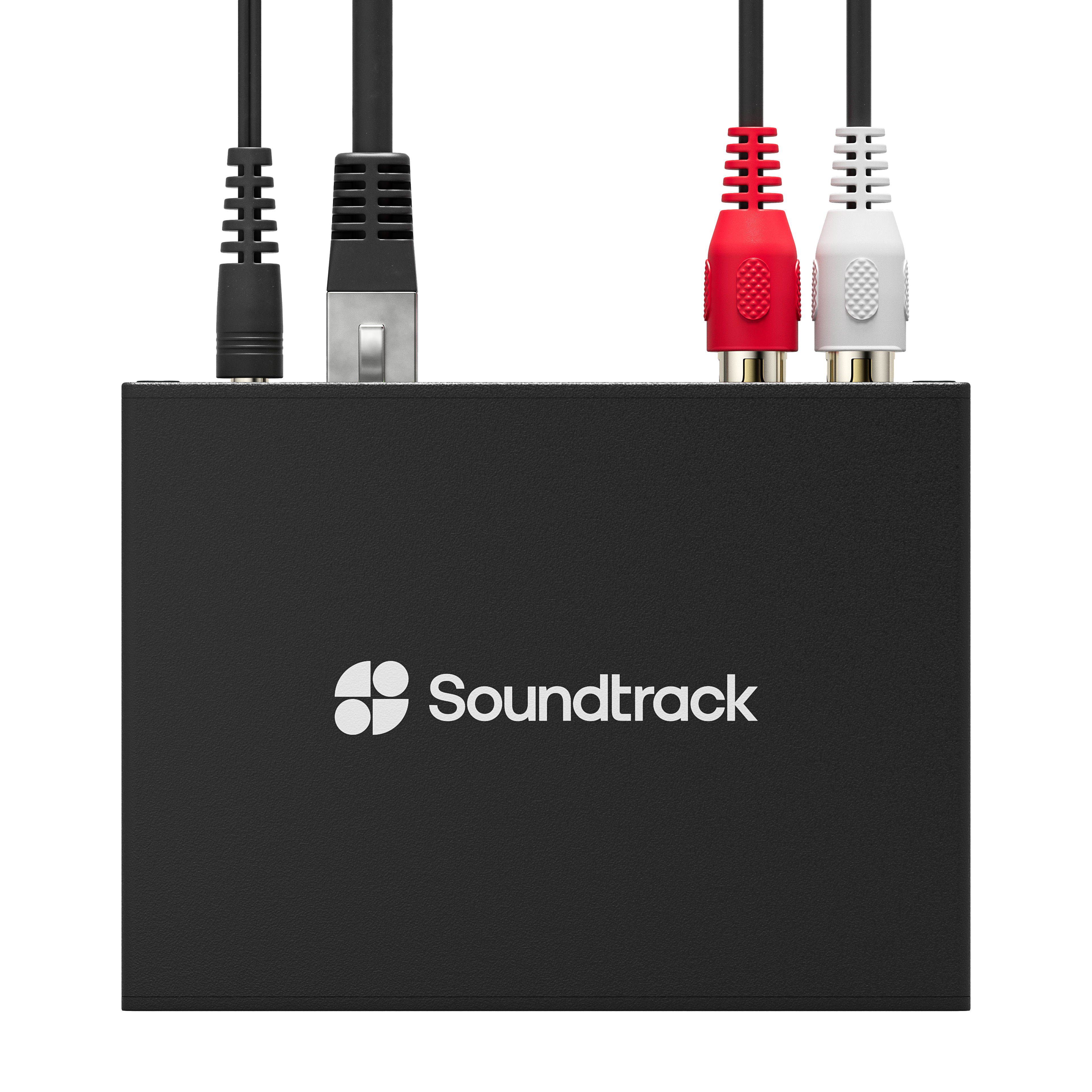
Le Soundtrack Player Hardware vous offre une connectivité facile, vous n'avez donc pas à vous soucier de votre matériel. Il est inviolable et conçu pour une gestion plus stricte des zones, des calendriers et des playlists.
Télécommande
Contrôlez l'ensemble de votre matériel Soundtrack Player depuis n'importe où dans le monde à l'aide d'une seule interface. Laissez votre personnel réagir sur le moment en modifiant le volume ou en sautant un titre à l'aide de l'application à distance Soundtrack Remote (disponible pour iPhone et iPad).
Sous le capot
Dimensions, poids et matériaux Largeur 108 mm Hauteur 79 mm Profondeur 38 mm Poids 250 grammes Boîtier en aluminium
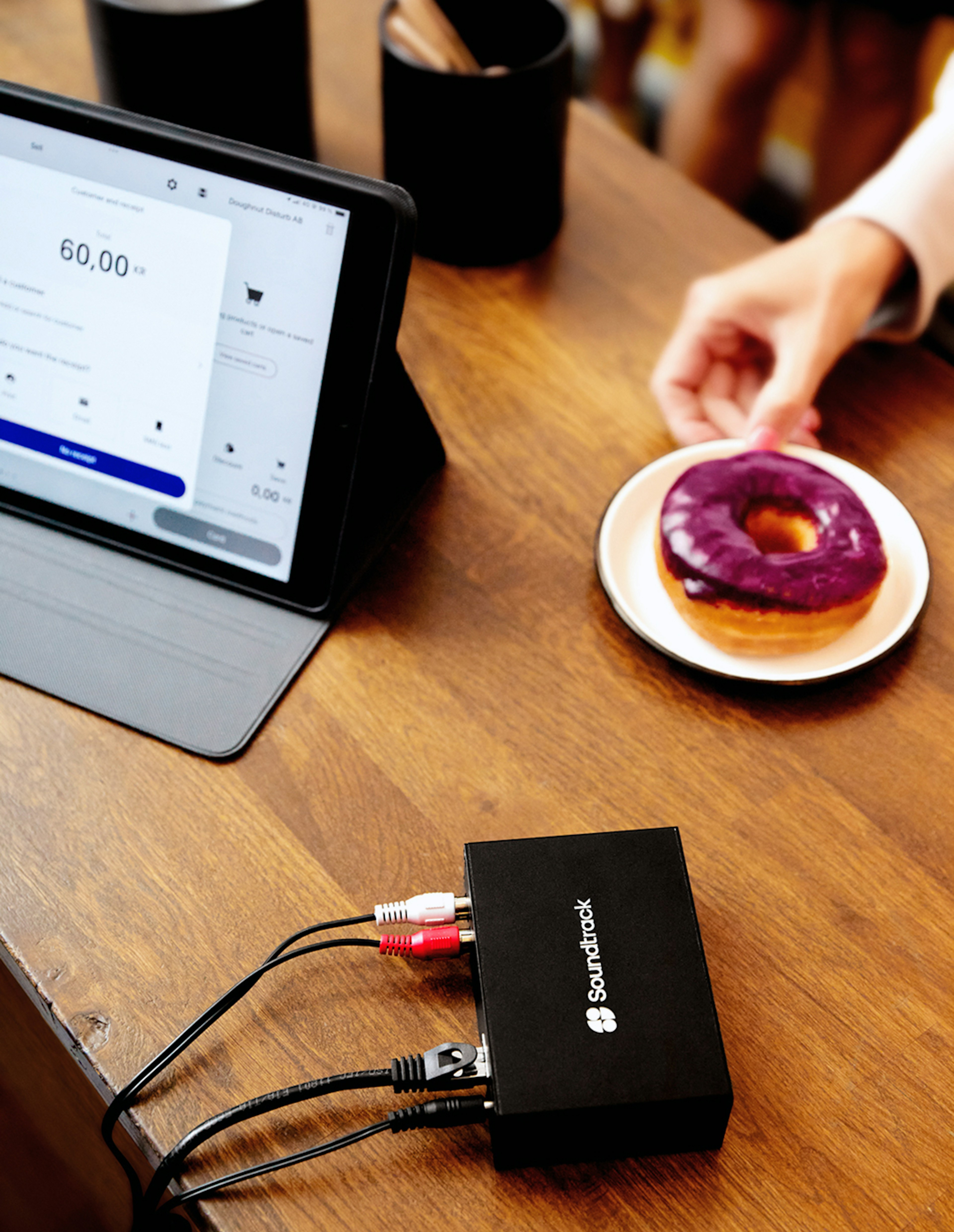
ConnectivitéEthernet (RJ45 10/100 Mbit) compatible IPv4 et IPv6 Deux connecteurs RCA Prise casque de 3,5 mm Deux voyants d'état
1 an de garantie
Vous êtes prêt à commander ?