


Building management, simplified
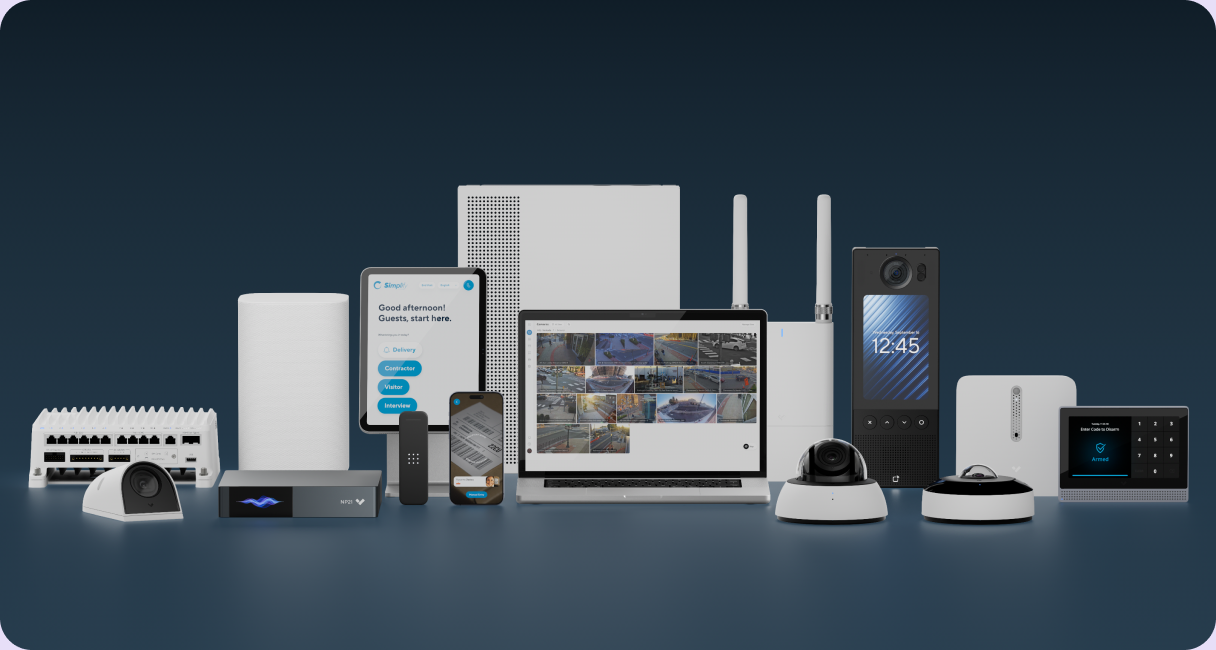
Verkada unifies your building’s security and operations on one platform.
Manage cameras, access control, sound systems and more from one place.

Benefits of Verkada Sound Systems

Add devices, adjust volume and play music across any number of locations, all from one dashboard.
Play music in sync across every space and location, with no noticeable delay or echo between them.

Manage the music at any location from the web or your phone — even from thousands of miles away.

Check system health and every device’s status, so you can spot a quiet zone before it’s a problem.
Add devices, adjust volume and play music across any number of locations, all from one dashboard.
Play music in sync across every space and location, with no noticeable delay or echo between them.
Manage the music at any location from the web or your phone — even from thousands of miles away.
Check system health and every device’s status, so you can spot a quiet zone before it’s a problem.
Hardware that fits your space
Migrate fully to Verkada with plug-and-play network speakers — no dedicated processors, amplifiers or racks.
Prefer to keep your current setup? Connect your existing audio equipment to the cloud with network audio players.
Network speakers
Simplify your audio setup with all-in-one network speakers built for both indoor and outdoor spaces.


Connect Soundtrack
1. Install or connect your hardware
Install Verkada Network Speakers, or connect a Network Audio Player to your existing amplifier, then add them in Verkada Command.
2. Connect Soundtrack
Start your Soundtrack trial directly in Verkada Command, or connect your existing Soundtrack account and link your Soundtrack zone to your speaker group.

3. Pick a playlist and press play
Browse Soundtrack in Command or the Soundtrack app, choose a playlist and start playing.
1. Install or connect your hardware
Install Verkada Network Speakers, or connect a Network Audio Player to your existing amplifier, then add them in Verkada Command.
2. Connect Soundtrack
Start your Soundtrack trial directly in Verkada Command, or connect your existing Soundtrack account and link your Soundtrack zone to your speaker group.
3. Pick a playlist and press play
Browse Soundtrack in Command or the Soundtrack app, choose a playlist and start playing.
FAQ
Here are answers to our most common questions on this topic.
Do I need a Soundtrack account or the Soundtrack app?
Yes. You’ll need a Soundtrack account. Start a free trial in Command or sign in with your existing one. You don’t need the app, but you can keep using it alongside Command.
Can I use my existing speakers?
Yes. Verkada Network Audio Players (NP21 and NP81) connect your existing amplifiers and speakers to Command with no rewiring. You’ll need a third-party amplifier to power the speakers.
Who can control the music?
Role-based permissions in Command decide who can manage audio at the organization, site or subsite level. Front-desk staff can use Verkada Desk Station to change the song or adjust the volume, without full Command access.
Can I manage multiple locations?
Yes. Change the music in all your locations at once, or target a single space or zone, from the Command web or mobile app.
